
Choose options


Exactly what I needed .. Made connecting my dual monitor itor to laptop setup a breeze.
Solid dual monitor solution for Windows laptops!I’m using this with a Lenovo ThinkPad (Windows) mainly for office work—email, spreadsheets, and lots of multitasking.Setup was plug-and-play. Dual 4K@60Hz worked exactly as expected, no flickering or other issues.100W PD charging- kept my laptop topped up all day without needing the original charger. The adapter stays barely warm even after hours of use.Only minor nitpick: it’s slightly bulkier than a single USB-C dongle, but for dual HDMI outputs it’s fine.If you have a Windows laptop with full-featured USB-C (DisplayPort Alt Mode), this is a reliable, affordable way to add two 4K monitors plus charging. Highly recommend for office setups.Would buy again!
I gpt this USB C to dual HDMI adapter to modernize my desktop setup, and thus far it is just working really well. I wanted a no problem getting 2 monitors on my laptop and that made it very simple way and it came up pretty easily. Setup was quick. I just plugged it into my laptop and connected both monitors, and it worked almost right away. I didn't have to install anything further, and that was a great advantage—I wanted something easy. It quickly recognized both displays with minimal effort. It looks great on both screens and they are not lagging as a result. For my work like, a few daily tasks of documents and browsing and light editing, it works just fine. Another thing I really enjoy is that I can actually extend across two screens simultaneously. It facilitated multitasking a lot. There the other things on, work on one screen so that they saved time, I felt organized more. The charging feature is also extremely useful. It keeps a plug in so that I do not lose a port while keeping a laptop powered over the adapter. That made my setup more clean and simple, with fewer cables placed around. Build quality feels decent. It’s small and light, but does not feel too cheap. I’ve never had any disconnecting issues so far and the connections remain strong. I also saw that even after using it for some time it does not become too hot. I've found work sessions to be longer and remained stable the whole time which is good. So far I have not had any trouble with this. This adapter has thus far been a useful addition to my workspace. All in all, a workhorse that does much of the heavy lifting and gets the job done easily. Use of the model - easy to use, secure and it really easy to dual monitor configuration. I'd recommend it to anyone wanting a fairly straightforward way to book more screen space
Works perfectly. The frame rate isn't great but when using it for work I don't notice it. Easy to install and definitely worth the money.
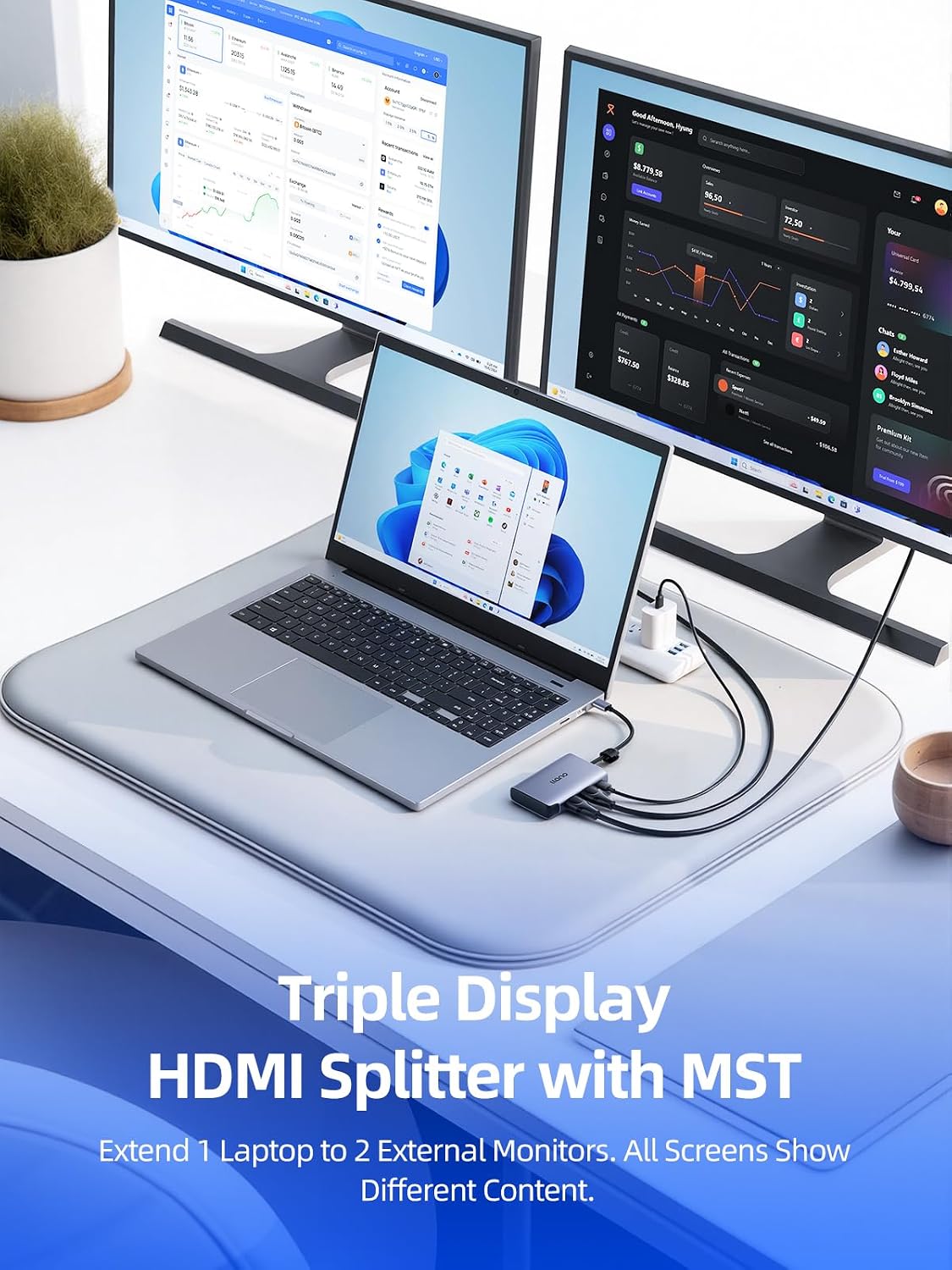
The first thing I noticed out of the box is the premium aluminum chassis. It has a nice heft to it and matches the "Space Gray" aesthetic of modern MacBooks and high-end Windows laptops perfectly. The integrated USB-C cable is reinforced, which is a big plus for longevity if you’re frequently plugging and unplugging it in a mobile setup.Performance: Dual 4K @ 60HzMany dual HDMI adapters claim 4K, but they often drop to 30Hz once you plug in the second monitor. This llano adapter actually delivers 4K at 60Hz on both ports simultaneously (hardware permitting).For Windows users: The MST (Multi-Stream Transport) support is excellent. I was able to extend my desktop across two external monitors plus my laptop screen for a true triple-display setup.For Mac users: As expected with macOS limitations, it supports "Mirror Mode" for the external dual displays (SST), but the 60Hz refresh rate makes the UI feel buttery smooth compared to cheaper 30Hz alternatives.Power Delivery (PD 100W)The pass-through charging is a lifesaver. I tested it with my 96W MacBook Pro charger, and it handled the power delivery without the adapter getting excessively hot. It effectively turns a single port into a workstation hub while keeping the laptop topped off.What I Liked:True 60Hz Support: No lag or mouse jittering on 4K screens.Plug & Play: No drivers required on Windows 11 or macOS.Thermal Management: The aluminum casing acts as a decent heat sink; it gets warm during heavy use but never "hot."Compact Size: Easily fits in a tech pouch for travel.Things to Consider:Compatibility: Ensure your laptop's USB-C port supports DP Alt Mode (DisplayPort Alternate Mode), or you won't get a video signal. Most modern Thunderbolt 3/4 or USB4 ports are fine.Cable Length: The built-in cable is relatively short, which is great for keeping a desk tidy but might be tight if you use a vertical laptop stand.


